
Codex CLI ਬਨਾਮ Desktop: 2026 ਵਰਕਫਲੋ ਤੁਲਨਾ
Table of Contents
Codex CLI ਸਪਸ਼ਟ commands ਅਤੇ scriptable runs ਵਾਲੇ shell workflow ਲਈ ਢੁੱਕਵਾਂ ਹੈ। Codex desktop projects, conversations, visual outputs ਅਤੇ review panels ਦੇ ਆਲੇ ਦੁਆਲੇ ਕੰਮ ਲਈ ਢੁੱਕਵਾਂ ਹੈ। ਆਪਣੀ supervision ਪੱਧਤੀ ਅਨੁਸਾਰ interface ਚੁਣੋ ਅਤੇ model, repository ਤੇ execution policy ਇੱਕੋ ਰੱਖੋ। ਨਾਮ ਬਾਰੇ ਨੋਟ: OpenAI ਦੀ ਪੁਰਾਣੀ Codex app documentation ਹੁਣ ChatGPT desktop app documentation ਵੱਲ redirect ਹੁੰਦੀ ਹੈ। repository access ਤੋਂ ਬਿਨਾਂ ਆਮ chat ਨੂੰ coding agent ਨਾ ਸਮਝੋ।
ਮੁੱਖ ਨੁਕਤੇ
- Shell composition ਲਈ CLI ਵਰਤੋ ਅਤੇ repeatable programmatic runs ਚਲਾਓ।
- Project organization ਲਈ desktop ਵਰਤੋ, visual review ਅਤੇ scheduled-task management ਲਈ ਵੀ।
- Execution location ਸਪਸ਼ਟ ਰੱਖੋ, ਖਾਸਕਰ remote connections ਵਿੱਚ।
- Interface ਵਧੀਆ code ਦੀ ਗਾਰੰਟੀ ਨਹੀਂ ਦਿੰਦਾ ਅਤੇ ਵੱਖਰਾ inference allowance ਨਹੀਂ ਬਣਾਉਂਦਾ। ਦਾਇਰਾ ਅਤੇ ਮਿਤੀ: Official documentation 10 ਅਕਤੂਬਰ 2026 ਨੂੰ ਜਾਂਚੀ ਗਈ। Recommendations workflow ਬਾਰੇ ਹਨ, measured model performance ਬਾਰੇ ਨਹੀਂ। Repository, working tests ਅਤੇ account access ਤਿਆਰ ਰੱਖੋ। Trial ਲਈ ਇੱਕ ਘੰਟਾ ਦਿਓ।
Workflow ਦੀ ਤੁਲਨਾ
| ਲੋੜ | Codex CLI | Codex desktop |
|---|---|---|
| Repository work ਸ਼ੁਰੂ ਕਰਨਾ | Shell directory ਤੋਂ launch | Project ਅਤੇ execution environment ਚੁਣੋ |
| Scripted task ਦੁਹਰਾਉਣਾ | codex exec | Prompts ਤਿਆਰ ਕਰਕੇ outputs ਵੇਖੋ |
| ਕਈ tasks ਦੇਖਣੇ | Terminal/session workflow | Project ਅਤੇ chat organization |
| Changes review ਕਰਨਾ | Terminal commands ਅਤੇ review controls | Diff ਅਤੇ review panels |
| Schedules ਸੰਭਾਲਣੇ | Script ਦੇ ਆਲੇ ਦੁਆਲੇ external job runner | Scheduled-task management interface |
| Changes isolate ਕਰਨੇ | Separate checkout/worktree | Integrated worktree workflow |
| Shared agent foundations ਮਹੱਤਵਪੂਰਨ ਹਨ। OpenAI Codex as a platform ਵਿੱਚ CLI, app ਅਤੇ IDE extension ਨੂੰ agent runtime ਦੇ interfaces ਵਜੋਂ ਦੱਸਦਾ ਹੈ। Runtime state, tools ਅਤੇ policy ਸੰਭਾਲਦਾ ਹੈ। |
CLI ਕਿੱਥੇ ਢੁੱਕਵਾਂ ਹੈ
codex
Intended repository ਤੋਂ launch ਕਰੋ। CLI guide inspection, editing, commands ਅਤੇ review ਦੱਸਦੀ ਹੈ।
codex exec "Identify the documented test command. Do not modify files."
Bounded scripted task ਲਈ codex exec ਵਰਤੋ।
Non-interactive reference
progress ਅਤੇ final output ਦੱਸਦੀ ਹੈ। No edits ਵਾਲੀ ਗੱਲ instruction ਹੈ, enforced filesystem boundary ਨਹੀਂ। Production script ਵਿੱਚ credentials, timeout, permissions, output storage ਅਤੇ failure handling ਦਿਓ।
Desktop ਕਿੱਥੇ ਢੁੱਕਵਾਂ ਹੈ
Desktop related work ਨੂੰ ਇੱਕ workspace ਵਿੱਚ ਰੱਖਦਾ ਹੈ। Project switching, file inspection, connected tools ਅਤੇ long-running tasks ਨਾਲ implementation ਅਤੇ review ਵਿਚਕਾਰ context ਬਣਿਆ ਰਹਿੰਦਾ ਹੈ। Review ਇੱਕ ਠੋਸ ਫਰਕ ਹੈ। Code-review documentation ਵੇਖੋ ਅਤੇ diff ਤੋਂ ਬਾਹਰ behavior ਲਈ independent evidence ਦਿਓ।
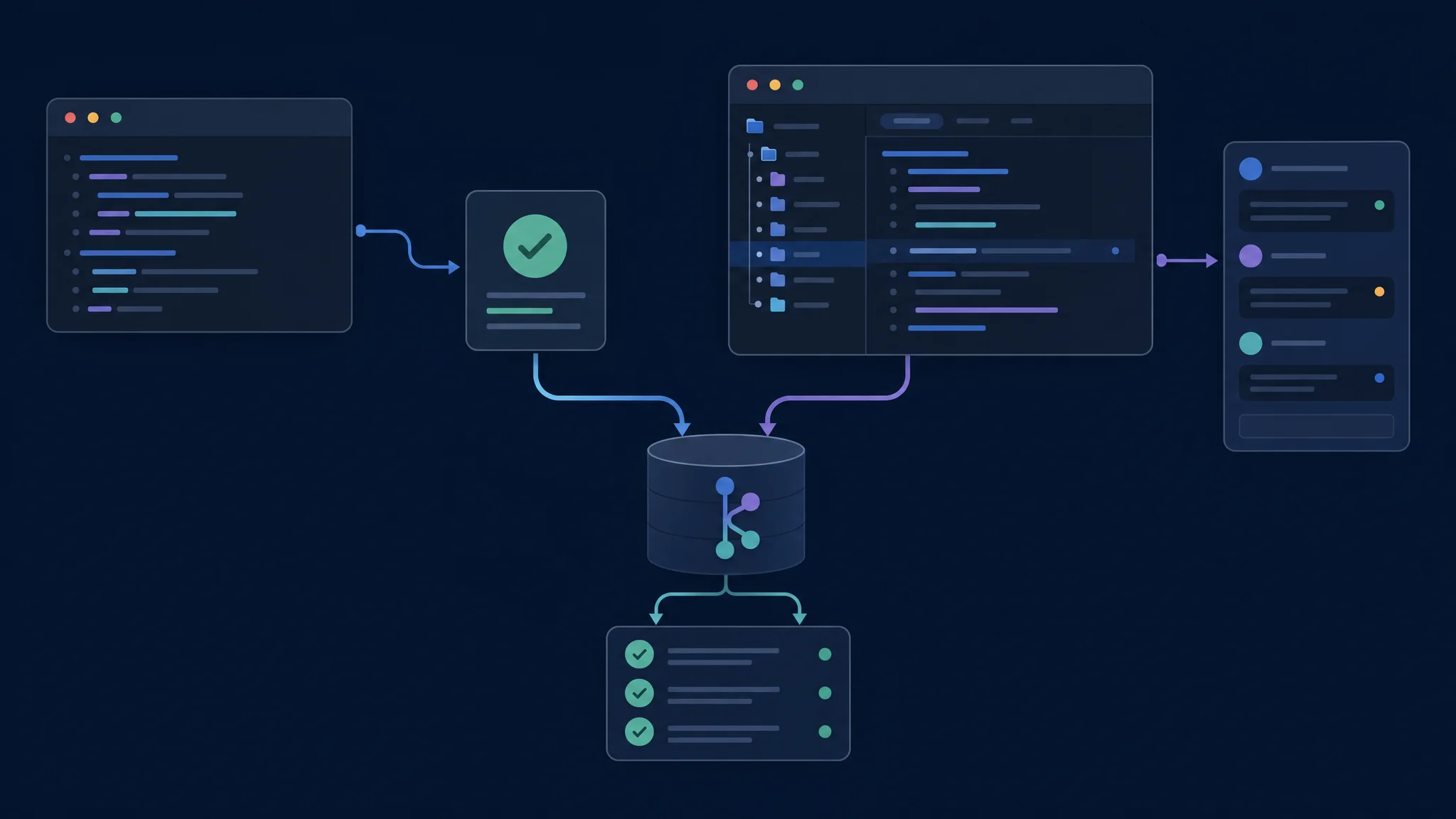
Interface ਦੀ ਤੁਲਨਾ ਵਿੱਚ repository ਅਤੇ acceptance criteria ਇੱਕੋ ਰੱਖੋ
Worktree ਅਤੇ Execution Location
Worktree Git repository ਦਾ ਹੋਰ checkout ਹੈ। Worktree guide isolated chats ਅਤੇ managed worktree ਬਾਰੇ ਦੱਸਦੀ ਹੈ। Isolation result merge ਨਹੀਂ ਕਰਦੀ। Diff, checks, dependencies, ignored files ਅਤੇ external services ਵੇਖੋ।
| Task ਤੋਂ ਪਹਿਲਾਂ | Confirm |
|---|---|
| Repository | ਸਹੀ project ਅਤੇ base revision |
| Checkout | Existing directory ਜਾਂ isolated worktree |
| Execution host | Files ਅਤੇ tools ਵਾਲਾ computer |
| Environment | Runtime, dependencies ਅਤੇ test services |
| Permissions | Allowed file writes ਅਤੇ network access |
| Comparison ਵਿੱਚ ਇੱਕੋ environment ਵਰਤੋ ਅਤੇ ਅੰਤਰ ਲਿਖੋ। |
Scheduling ਅਤੇ Permissions
Desktop schedule management ਦਿੰਦਾ ਹੈ।
Scheduled-task guide
management interface ਅਤੇ CLI ਨੂੰ ਵੱਖ ਕਰਦੀ ਹੈ। codex exec ਦੇ ਆਲੇ ਦੁਆਲੇ shell scheduler ਵੱਖਰਾ arrangement ਹੈ।
Permissions reference
ਵਿੱਚ effective profile ਵੇਖੋ। ਹਰ interface ਵਿੱਚ sign-in, model, usage ਅਤੇ billing ਜਾਂਚੋ।
ਇੱਕ ਘੰਟੇ ਦਾ Trial
- Independent acceptance test ਅਤੇ clean baseline ਨਾਲ bounded change ਬਣਾਓ।
- Matching model ਅਤੇ policy settings ਨਾਲ ਹਰ interface ਵਿੱਚ ਚਲਾਓ।
- ਪਹਿਲੇ patch ਤੋਂ ਬਾਅਦ ਇੱਕ correction ਮੰਗੋ।
- Final diff review ਕਰੋ ਅਤੇ ਉਹੀ verification commands ਚਲਾਓ।
- Context, output ਅਤੇ approval ਦਾ effort record ਕਰੋ। Shell ਵਿੱਚ repeat ਅਤੇ inspect ਕਰਨਾ ਸੌਖਾ ਹੋਵੇ ਤਾਂ CLI ਚੁਣੋ। Project organization ਅਤੇ visual review supervision ਘਟਾਉਣ ਤਾਂ desktop ਚੁਣੋ। Revision, model, host, permissions, commands ਅਤੇ verification ਸੰਭਾਲੋ।
Troubleshooting ਅਤੇ ਅਗਲੇ ਕਦਮ
Missing file ਲਈ environment check ਕਰੋ। Project, checkout, execution host, runtime ਅਤੇ dependencies verify ਕਰੋ। Terminal alternatives ਲਈ CLI master comparison ਅਤੇ graphical tools ਲਈ GUI master comparison ਵਰਤੋ।
Related Posts